How it works
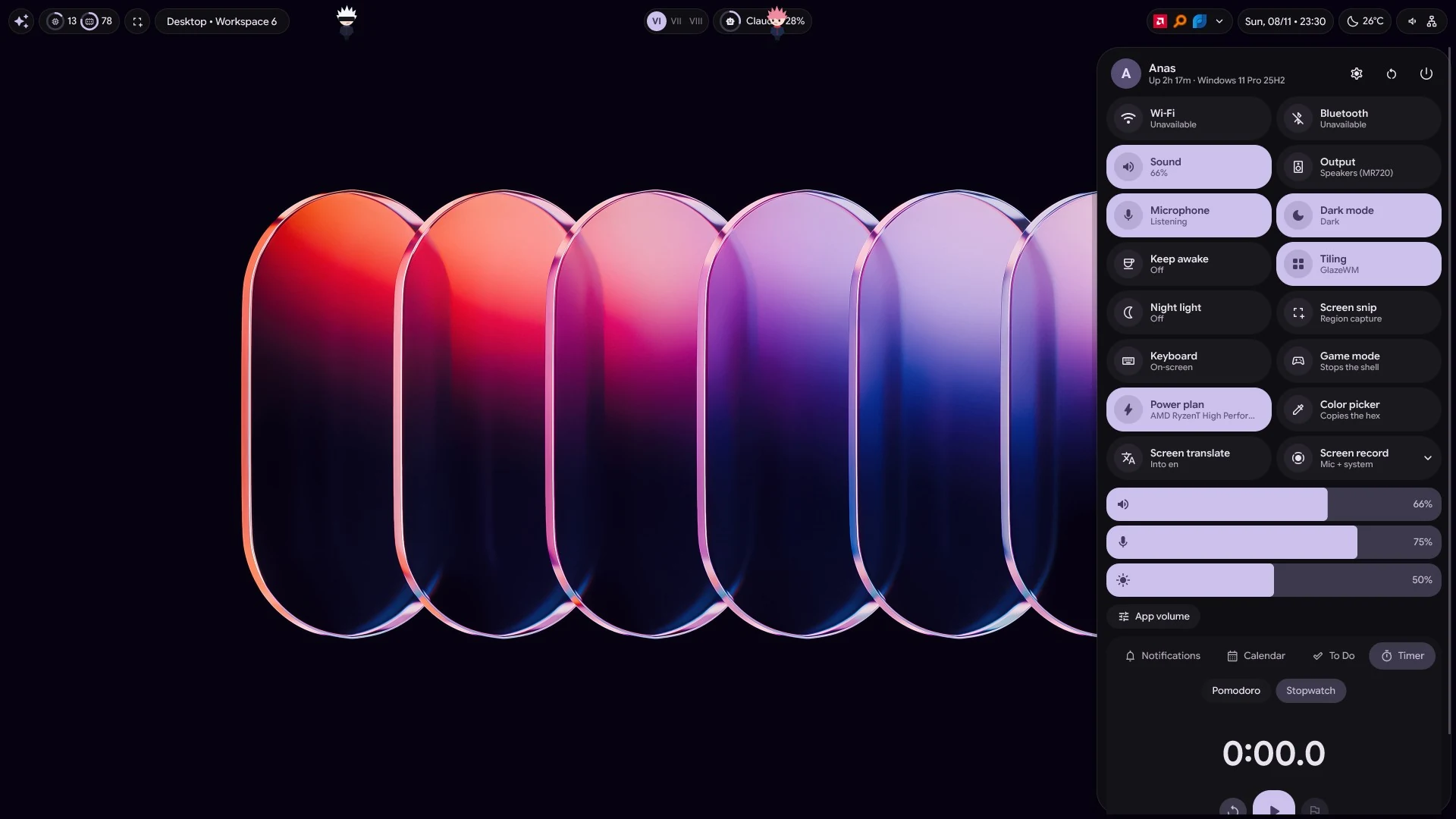
The auto-hiding dock is part of the native desktop interface. It shares the visual theme used by the bar, widgets and sidebars.
Choose your wallpaper and color scheme in Settings to coordinate the desktop. The homepage includes a magnifying dock preview.
What you can do
- Auto-hiding behavior
- Coordinated desktop colors
- Part of one native process