How it works
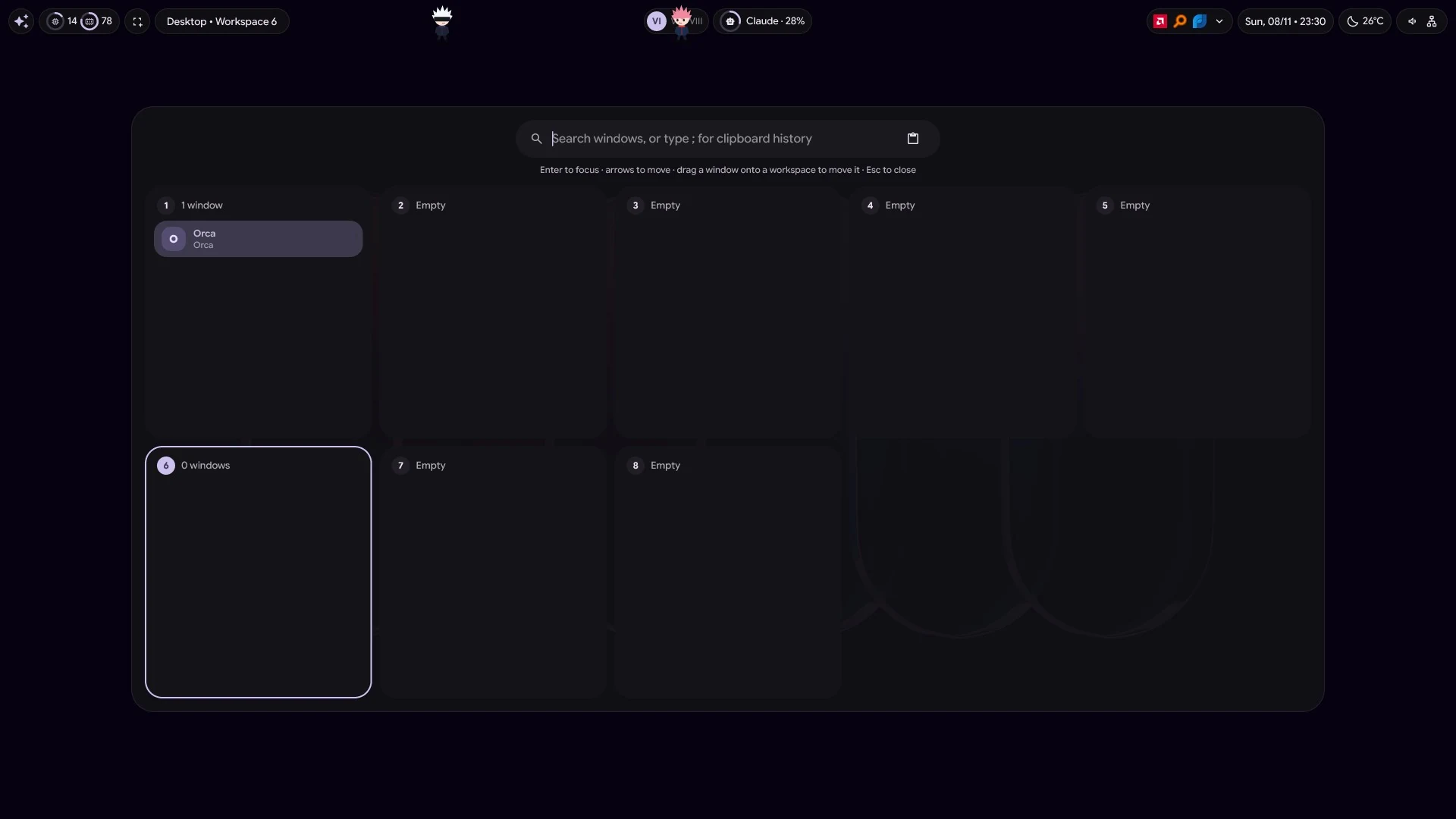
GlazeWM handles window tiling. The overview brings workspaces and windows into a single view so you can find a window and move it where it belongs.
Drag a window to another workspace. Type a semicolon in the overview search to look through clipboard history. Open the overview with Alt and the backtick key.
What you can do
- See workspaces and windows
- Drag windows between workspaces
- Search clipboard history