How it works
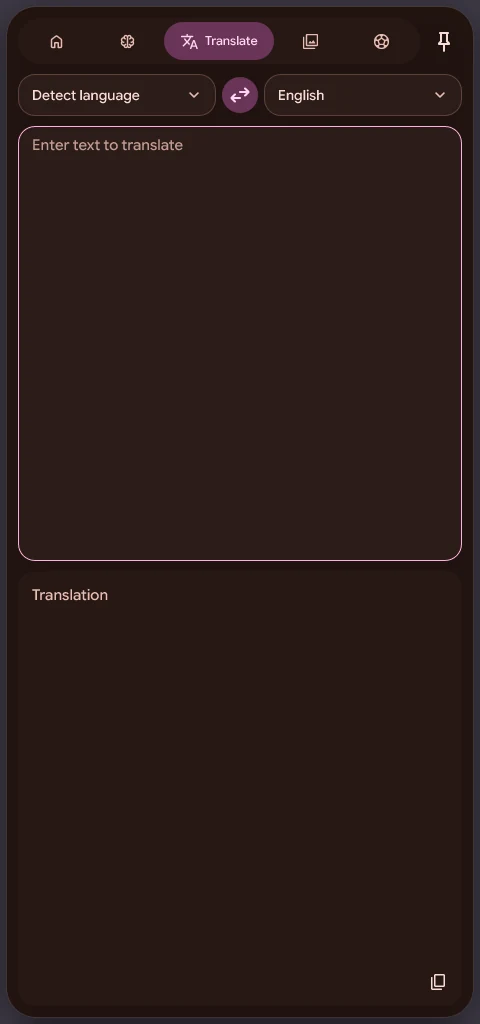
Open the left sidebar with Mod+A and choose Translate. Type or paste the text you want to translate.
The translator can detect the source language, and the language controls let you choose the destination language. It sits alongside media and AI chat in the same sidebar.
What you can do
- Type or paste text
- Detect the source language
- Choose a destination language