How it works
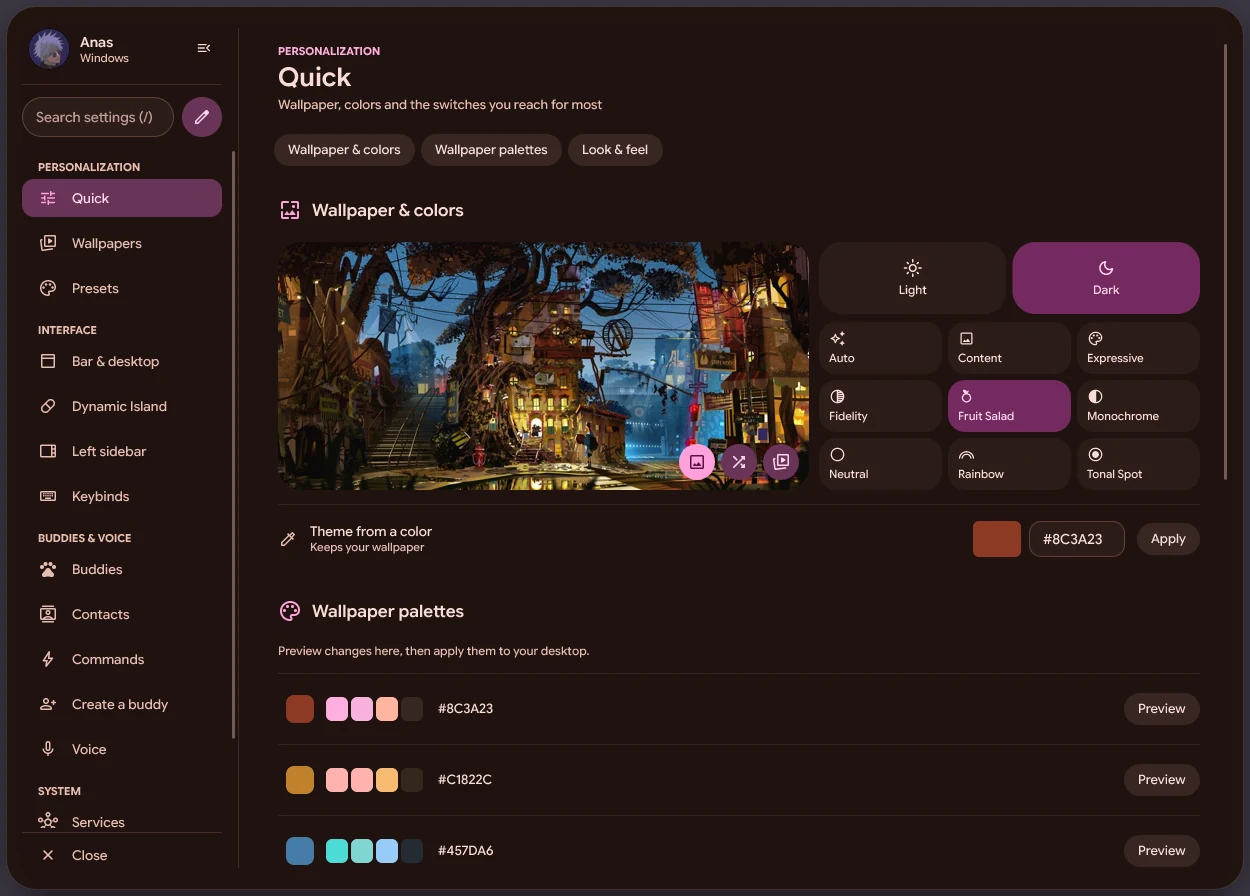
Choose wallpapers from your Wallpaper Engine library. Your desktop theme follows the wallpaper as a playlist moves on.
Combine wallpaper-derived colors with a preset, then rearrange the bar and desktop components to suit your workflow.
What you can do
- Choose from your wallpaper library
- Re-theme on playlist changes
- Combine with presets